Corona
Interior Masterclass
Master the art of photorealism with Chaos Corona in this intensive course. Learn how to achieve stunning results faster with Chaos Corona intuitive physically based engine.
Duration
1.9 Months
Format
15 Interactive Sessions
Skill Level
Intermediate to Advanced
Duration
15 CLASSES / 1.9 MONTHS
Schedule
2 CLASSES PER WEEK
Session
2+ HOURS LIVE CLASS
Mode of Training
HYBRID (ONLINE/OFFLINE)
Course Language
Bengali / Hindi / English
Software & Tech Stack
 3ds Max
  Corona
  Photoshop
 Learning Path
COURSE CURRICULUM.
INTERIOR RENDERING FOUNDATION
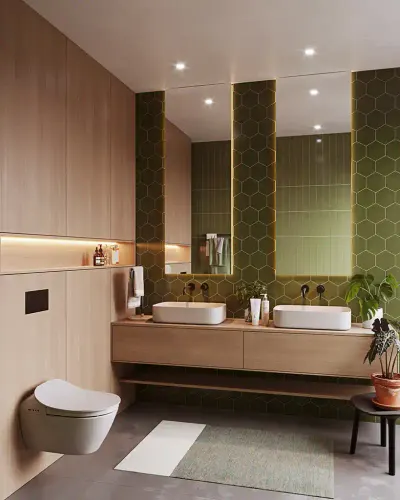
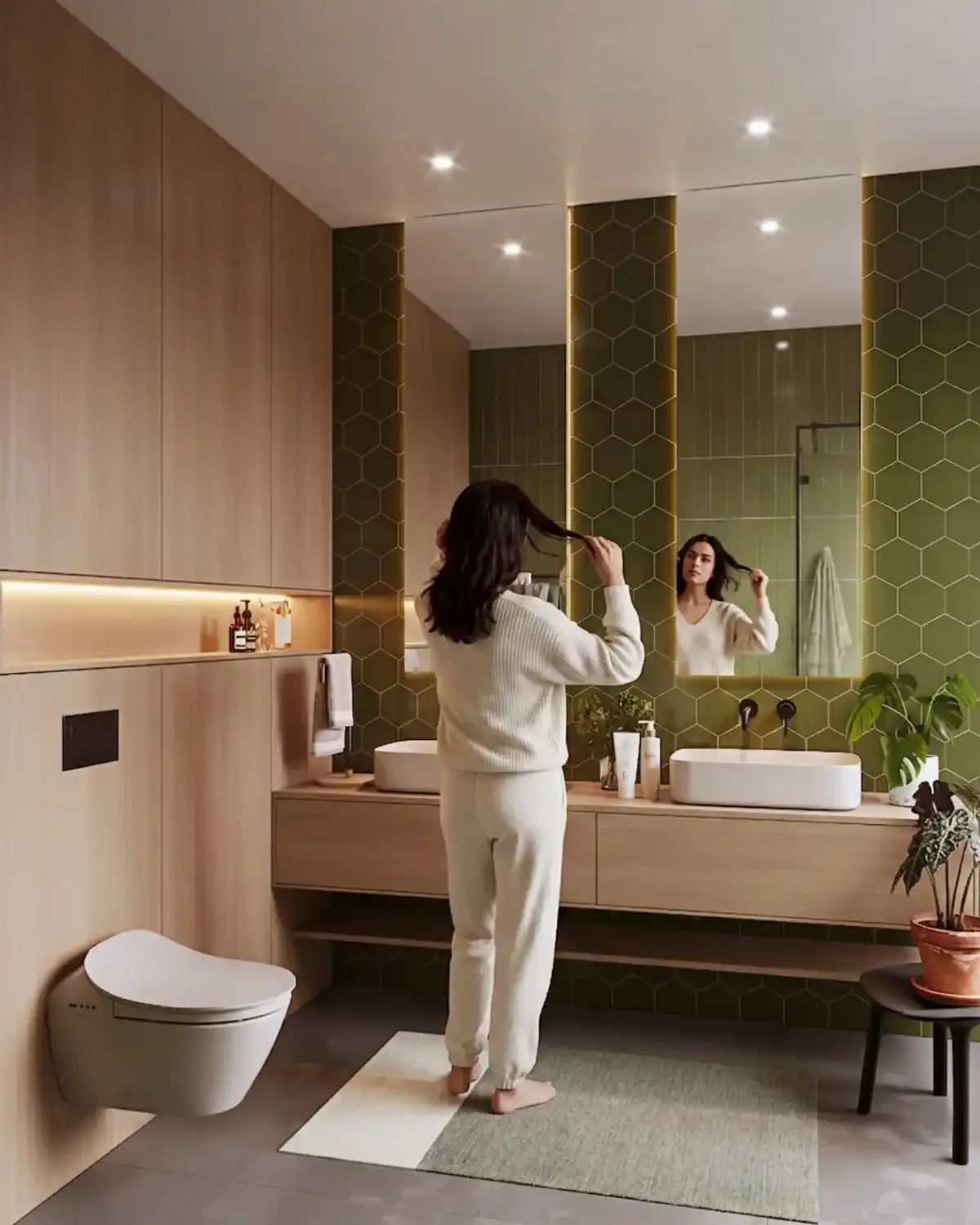
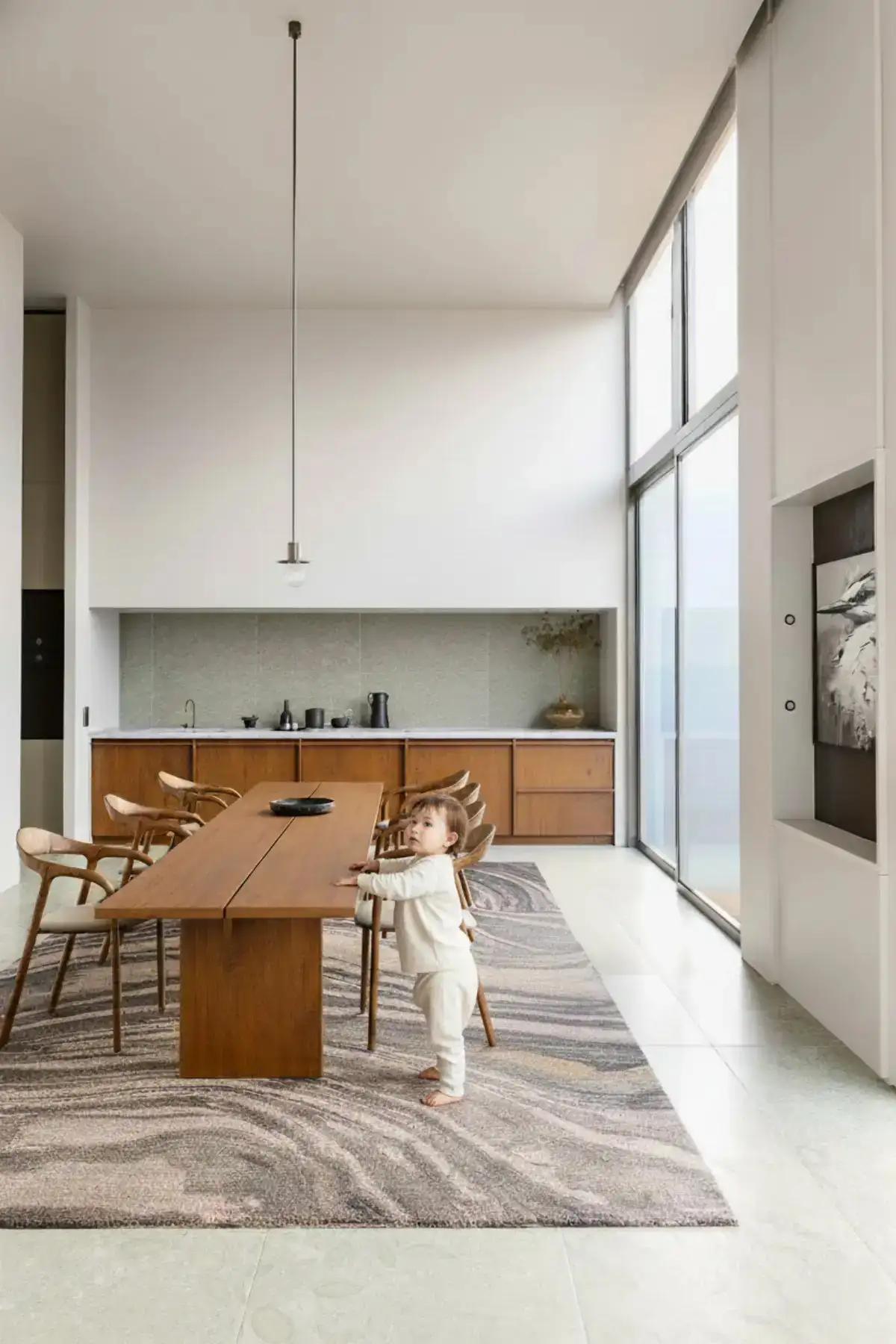
Understand the core principles of interior visualization — how light behaves inside enclosed spaces and how to recreate it using Corona.
PHOTOREALISTIC LIGHTING FOR INTERIORS
Master natural window lighting, HDRI setups, and artificial lighting to achieve realistic indoor environments.
ADVANCED MATERIAL CREATION (INTERIOR)
Create high-quality PBR materials like wood, marble, tiles, fabric, leather, glass, and metal specifically for interior scenes.
INTERIOR COMPOSITION & CAMERA
Learn how to frame interior shots using proper camera angles, focal length, and cinematic composition techniques.
REALISTIC MOOD & ATMOSPHERE
Create different interior moods like warm, cozy, modern, luxury, and night scenes using lighting and color grading.
OPTIMIZED RENDER WORKFLOW
Learn how to reduce noise, optimize render settings, and achieve faster results without losing quality.
PORTFOLIO PROJECTS (INTERIOR ONLY)
Work on real-world interior projects like bedroom, living room, kitchen, and commercial spaces.
Methodology
01. Corona & 3DS MAX SETUP
Basic setup in Autodesk 3ds Max Scene preparation for interior workflow Clean file management
02. MATERIALS & TEXTURING (INTERIOR)
PBR workflow explained Wood, marble, tiles, fabric, leather Reflection & glossiness control Texture maps (Diffuse, Roughness, Normal, Displacement)
03. INTERIOR LIGHTING (STEP-BY-STEP)
Natural lighting HDRI workflow Artificial lighting Light balance & realism
04. CAMERA & COMPOSITION
Interior camera setup Focal length & perspective Depth of field (DOF) Cinematic framing techniques
05. RENDER SETTINGS & OPTIMIZATION
Noise reduction Sampling settings GI & Path tracing Fast vs high-quality render
06. INTERIOR PROJECT (FULL WORKFLOW)
Bedroom / Living Room project Material + lighting + camera Final production render
07. POST-PRODUCTION (PHOTOSHOP)
Color correction Lighting enhancement Final cinematic touch
Frequently Asked Questions
Is this course suitable for beginners?
Yes, this course is designed for complete beginners as well as intermediate users. You will learn everything from basic to advanced level step by step.
Will I get projects for practice?
Yes, you will work on real-world interior projects.
Which software do I need for this course?
You need Chaos V-Ray and Autodesk 3ds Max installed on your system.
Do I need prior 3D knowledge?
Yes, basic knowledge of 3ds Max.
Can I use this course for freelancing?
Absolutely! This course is designed to help you start freelancing and build a professional portfolio.
Is there any certificate?
Yes, you will receive a certificate after completing the course. Globally recognized Chaos Authorized Certification.
What if I face problems during learning?
You will get support through community or direct guidance.
Can I start freelancing after this course?
Yes, after completing this course and building your portfolio, you can start freelancing or apply for jobs.
Enrollment
Summary.
Seats are strictly limited to
maintain mentorship quality.

Authorized Lead Mentor
Iraban Dutta
Lifetime Support
Permanent access to global mentors.
Direct Mentorship
1-on-1 private doubt clearing sessions.
Official Chaos Certificate
Global academic training certification.